 Pixelize
Any photo.
Instantly pixel art.
Pixelize runs your camera roll through the machines that invented the look: 25 hex-accurate palettes from the Game Boy's four greens to the NES's 55 colors, five dithering algorithms, CRT scanlines and a sticker maker — with a live preview that re-renders as you drag. Everything on your phone. Nothing uploaded.


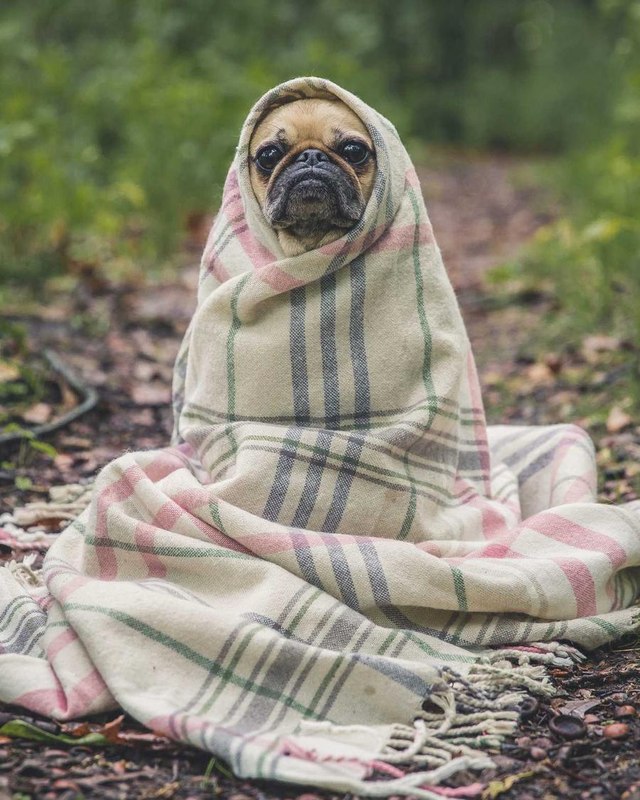 GAME BOY
PHOTO
GAME BOY
PHOTO
Real nearest-color quantization, right here in your browser. The app adds dithering, tone controls, FX and high-res export.
25 machines and moods, hex-accurate.
Not "retro-ish" filters — the actual system palettes, plus a shelf of curated moods. Every strip below uses the exact values shipped in the app.
…plus Sega Master System, Sunset, Ocean, Autumn, Crimson, Cotton Candy, four grayscales and more — and every palette you build yourself in Palette Studio.
Dial it in. Watch it happen.
No "process" button. The source decodes once, then every tweak re-runs a fast pixel pipeline — preview and export come out of the same code, so what you see is exactly what you save.
PIXEL SIZE
Six steps from 4px detail to chunky 32px blocks. Small keeps likeness, big goes full arcade.
DITHERING
Floyd-Steinberg ('76), Atkinson — the classic Mac look — Ordered, an 8×8 Bayer matrix, or none.
TONE
Brightness, contrast and saturation sliders, applied before the palette locks in.
FX
Cel-shade outline for that sprite look, and CRT scanlines straight off a curved glass screen.
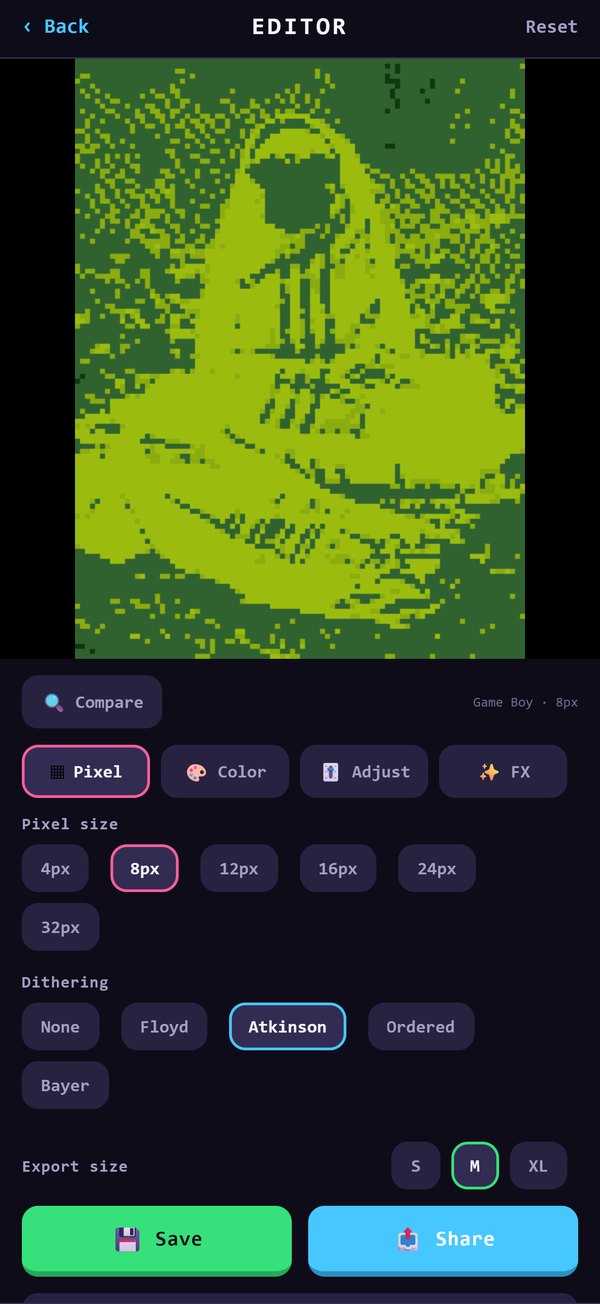
LIVE EDITOR
Pick a size, pick a palette — the preview keeps up with your thumb.
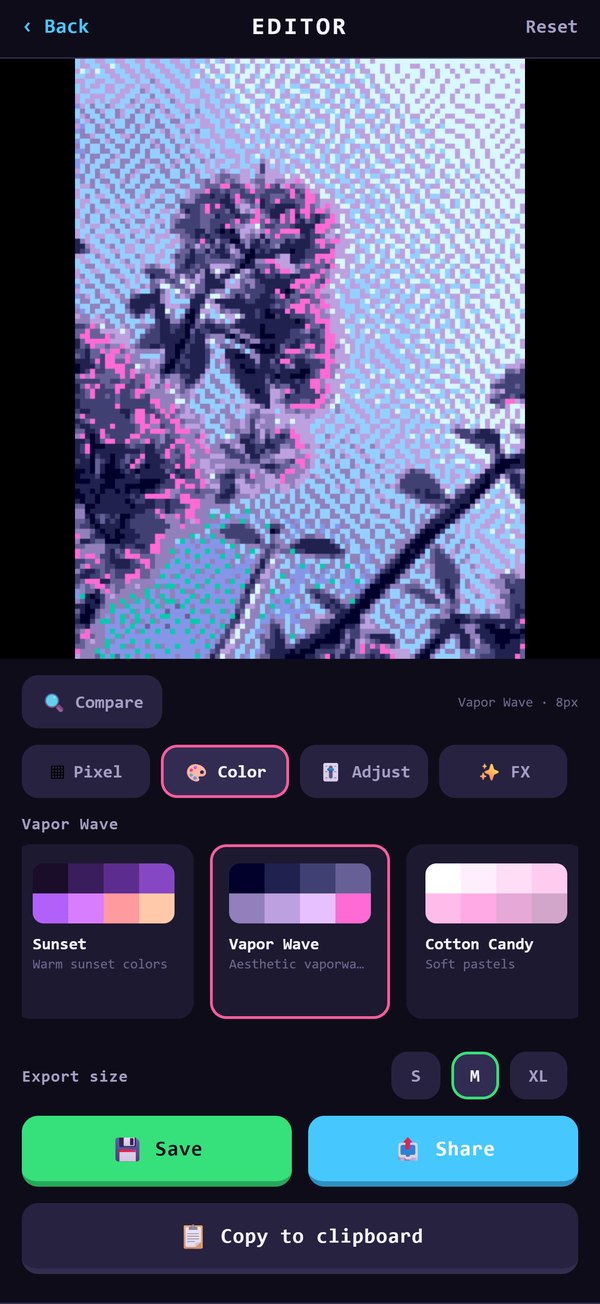
COLOR TAB
Swipe through all 25 palettes with live swatches — your custom ones sit right beside them.
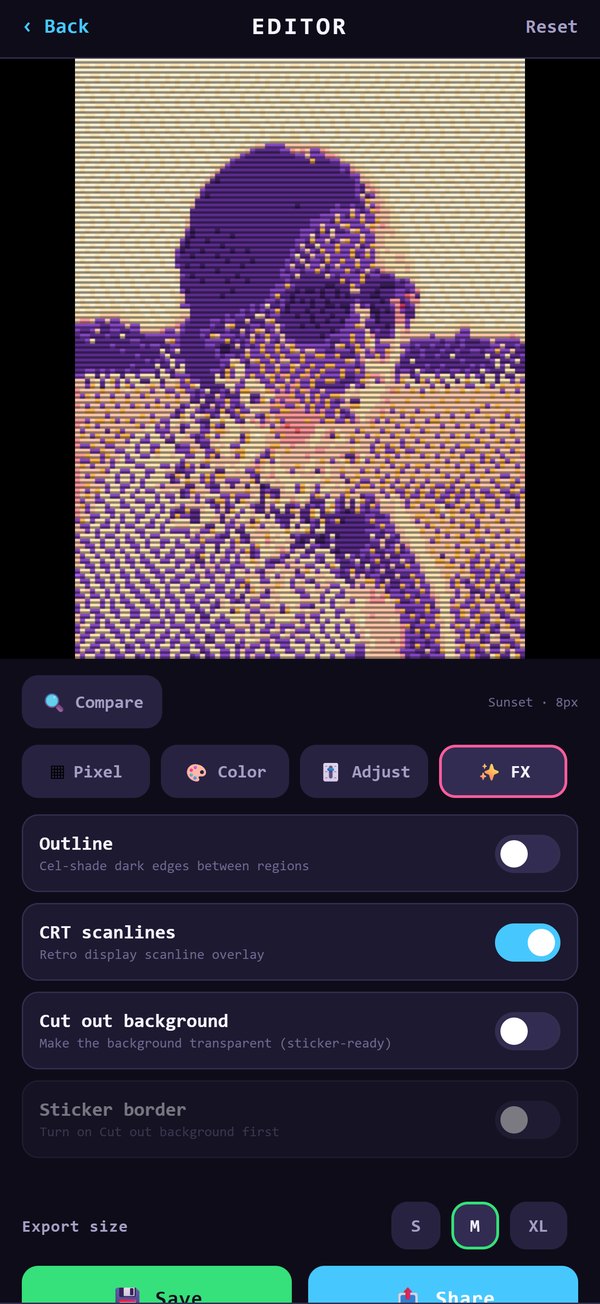
RETRO FX
Scanlines and outlines turn a photo into a screenshot from 1989.
Cut it out. Literally.
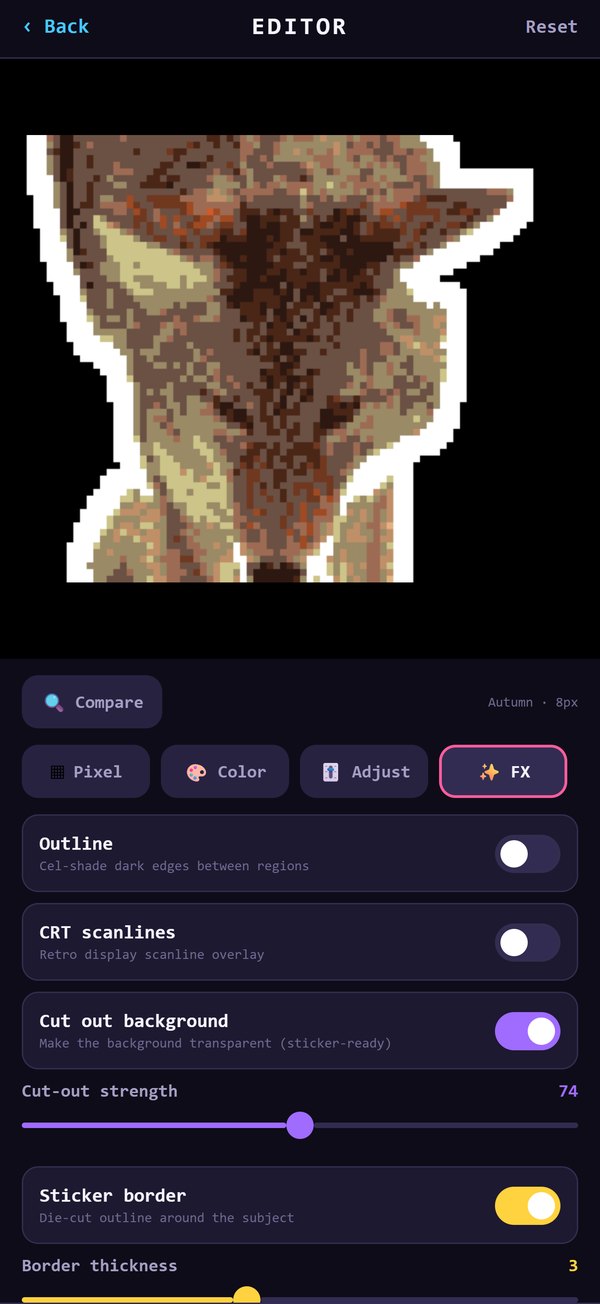
One switch removes the background — a flood fill from the edges with an adjustable strength — and leaves a transparent PNG. Then the die-cut border draws itself around whatever survived.
- Cut-out strength — tune how aggressively the background goes
- Die-cut border — five colors, adjustable thickness
- Avatar mode — square crop on the way in, profile picture on the way out
- Transparent PNG export — drops straight into chats and stickers
Your colors are a palette too.
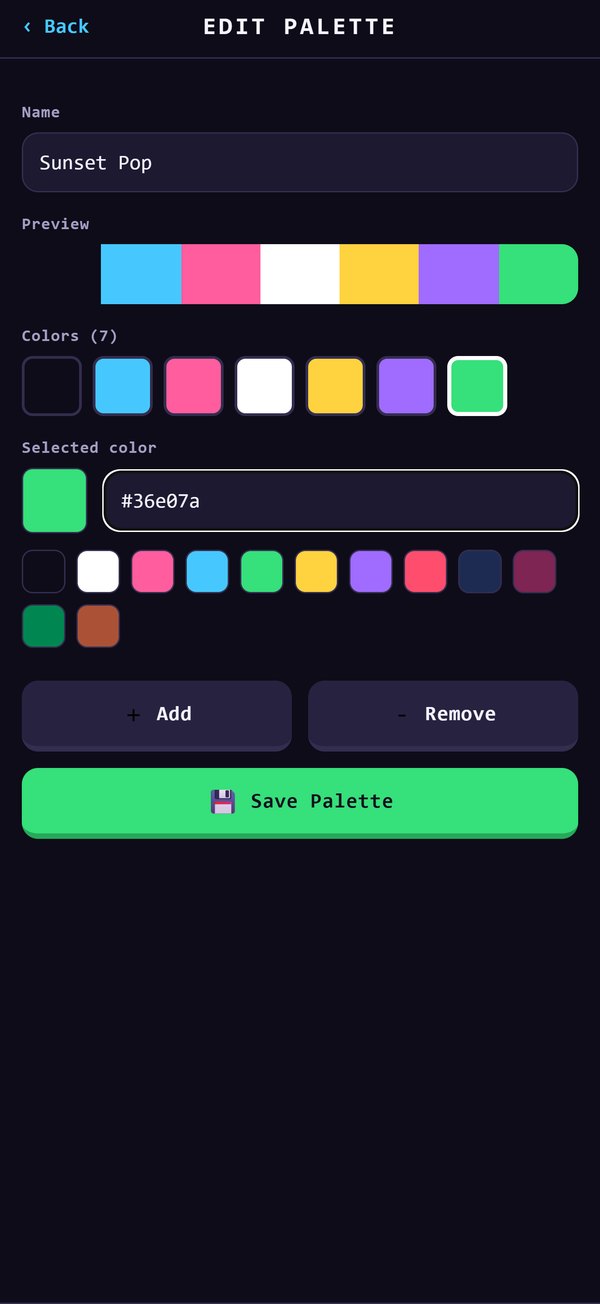
Build palettes from scratch — name them, stack up hex codes, save as many as you like — and they appear in the editor next to the Game Boy like they always belonged. Everything you export lands in a gallery with favorites and one-tap re-edit, settings included.
- Palette Studio — create, edit and save unlimited custom palettes
- Gallery — history, favorites, full-screen viewer
- Re-edit — reopen any piece with its exact settings restored
- Export sizes — S / M / XL, up to a 2160px long edge
- Save, share or copy — photo library, any app, or the clipboard
Your photos stay yours.
The entire pipeline — decode, quantize, dither, effects, export — is code running on your phone. There is no server to send anything to.
No uploads, ever
Photos are read from your library, processed in memory, and written back. They never touch a network.
Works offline
Airplane mode changes nothing. The only things that want a connection are the ads that keep it free.
No account
No sign-up, no login, no profile. Your gallery and custom palettes live on the device.
The short answers.
Is Pixelize free?
Yes — every palette, effect and tool is included. The app is supported by a small banner ad and an occasional interstitial after you save or share. There are no in-app purchases and nothing is locked.
Are the palettes actually accurate?
The system palettes use the real hex values: the Game Boy's four greens, the NES's 55 colors, PICO-8's 16, the Commodore 64, CGA, Apple II and ZX Spectrum among them. The creative ones — Vapor Wave, Cyberpunk, Neon, Sunset — are curated moods, and Palette Studio lets you add your own.
What is dithering?
A trick for faking shades a palette doesn't have by arranging the ones it does into patterns. Floyd-Steinberg diffuses the error to neighboring pixels; Atkinson is the crisper Macintosh variant; Ordered and Bayer use fixed matrices; "None" gives you hard, poster-like color fields. Each reads completely differently — that's why there are five.
Do my photos leave my phone?
No. Processing is entirely on-device, photos are never uploaded, and there's no account. The editor works offline; photo permission is only used to open images you pick and save the ones you make.
Can I make stickers and avatars?
Yes. Flip on "Cut out background" for a transparent PNG, tune the strength, and add a die-cut border in five colors with adjustable thickness. Avatar mode crops your photo square before editing — pixel-art profile pictures in three taps.
How big are the exports?
Three sizes up to a 2160-pixel long edge, rendered by the same pipeline as the preview — no surprise output. Save to your photo library, share to any app, or copy straight to the clipboard.
Your camera roll,
ready player one.
Thirty years of pixels, one photo at a time.
Free · no account · everything on-device